Printing the screen
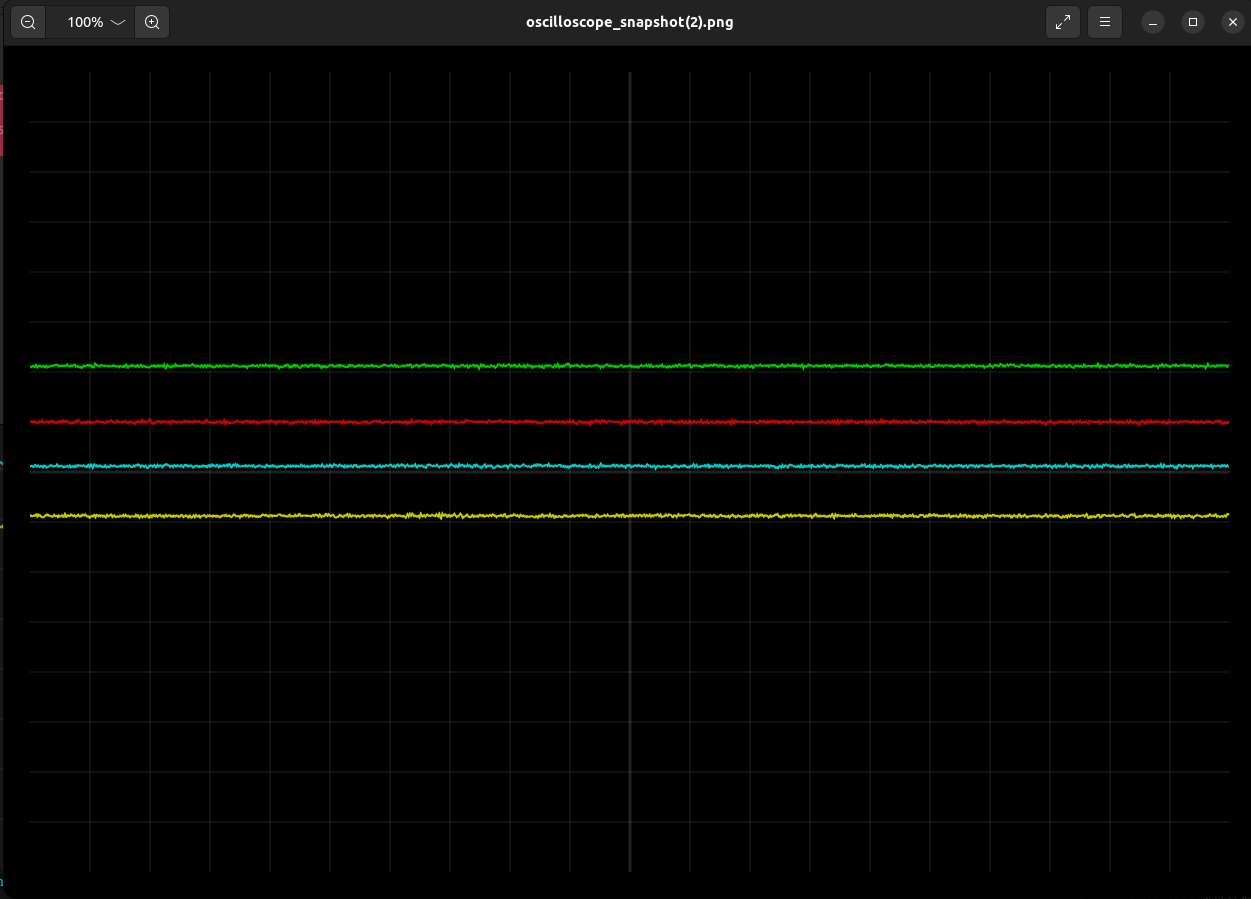
The procedure to print-out the current screen is pretty simple, all you need to do is click on the 'PRINT' button and this will download the resulting .png image.
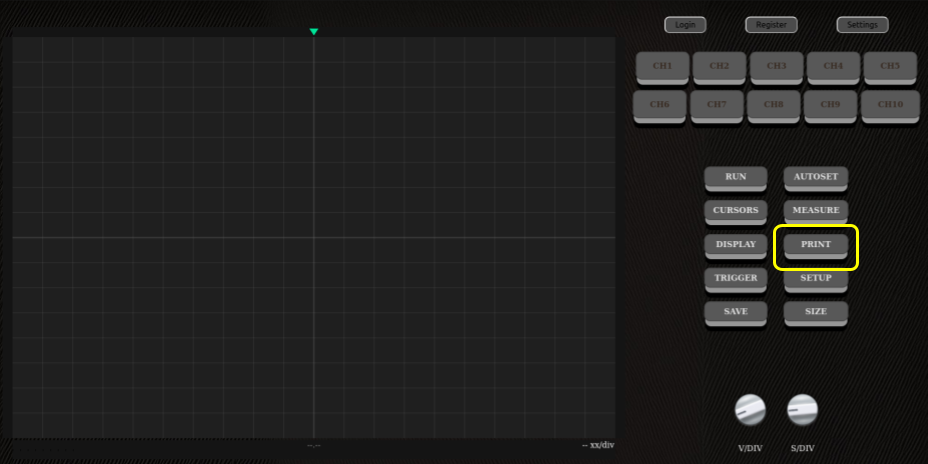
The procedure to print-out the current screen is pretty simple, all you need to do is click on the 'PRINT' button and this will download the resulting .png image.